
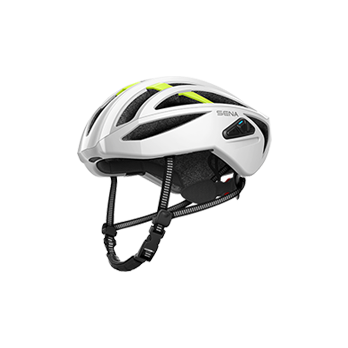
-
ステップ1
ダウンロード
Sena Device Managerをダウンロードして、コンピュータにインストールします。
-
ステップ2
更新
Sena Device Managerを使用して、Sena製品のファームウェアを更新します。
-
ステップ3
ペアリング
Sena製品の設定初期化を行い(ユーザーガイド参照)、Sena製品とBluetoothデバイスを再度ペアリングします。
-
ファームウェア履歴
各製品がサポートするファームウェアのバージョンは、製造日によって異なります。
Sena Device ManagerまたはSenaアプリで、お使いのデバイスが最新バージョンかどうかご確認ください。FIRMWARE RELEASE NOTES
v 1.0.3
June 30, 2022• Improved iOS connectivity
-


Sena Cycling App
Simply pair one of your Sena helmets or communication systems with the Sena Cycling App for quick setup and easy management. You can pair/connect your device through the Bluetooth settings menu on your mobile phone. The Sena Cycling App is compatible with Sena's helmets and communications systems for cyclists.